

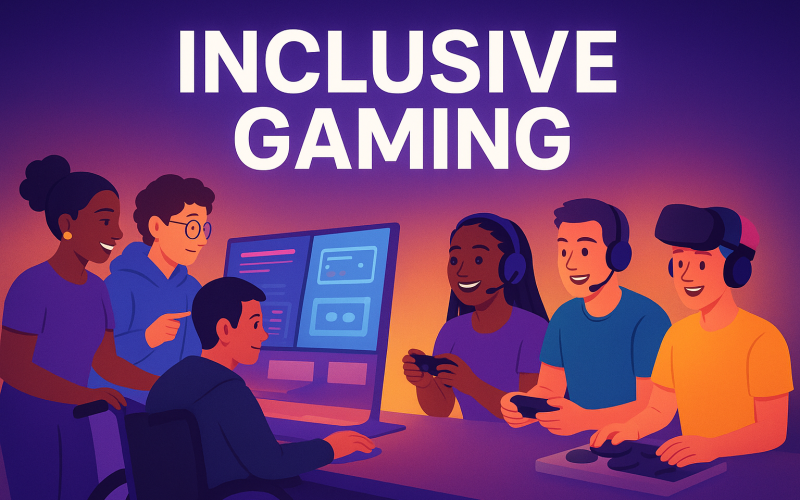
It’s Not Just About Playing, It’s About Belonging
The best games aren’t just for the best players — they’re for every player. From a kid discovering their first RPG to a veteran gamer with limited mobility, from someone who can’t distinguish colors to someone who prefers text over voice — gaming is meant to be universal.
Why inclusive game design is the smartest move a developer can make.
Inclusive design isn’t a niche feature or “extra credit.” It’s becoming the industry standard, and studios that embrace it aren’t just doing the right thing — they’re future-proofing their games.
Here’s how developers can level up by designing for everyone.
1. Control Accessibility: Let Players Play Their Way
No two players have the same physical abilities, preferred setups, or comfort levels. That’s why flexible controls are a baseline for modern design.
What this looks like in action:
Customizable keybinds for every action
Controller remapping and one-handed modes
Compatibility with adaptive controllers like Xbox Adaptive Controller
Example: Forza Horizon 5 fully supports the Xbox Adaptive Controller, letting players map controls to switches, buttons, or joysticks in ways that suit their needs.
Dev Checklist:
Can your game be played with one hand?
Are all controls fully remappable?
Is sensitivity adjustable for fine or broad movements?
2. Visual Accessibility: More Than Just Pretty Graphics
Players experience visuals differently. A red enemy icon may be obvious to one player but invisible to another with colorblindness.
What this looks like in action:
Multiple colorblind modes (protanopia, deuteranopia, tritanopia)
Scalable UI for larger text and icons
High-contrast modes for low-vision players
Example: Destiny 2’s colorblind customization lets players choose palettes that work for their vision, making competitive play fairer.
Dev Checklist:
Can critical gameplay elements be conveyed through both color and shape?
Can text and UI be resized without breaking the layout?
Do you have a high-contrast setting for dark environments?
3. Audio Accessibility: Hearing Is Not Always an Option
Not every player relies on audio cues — and for some, audio is impossible or impractical to use. Games need to convey essential information visually too.
What this looks like in action:
Customizable subtitles (font size, background opacity)
Visual sound indicators for footsteps, gunfire, or alarms
Optional narration for menus and story text
Example: Overwatch 2 includes directional sound indicators, showing where important noises originate — a game-changer for both accessibility and competitive play.
Dev Checklist:
Can a player understand everything without sound?
Can they customize subtitle styles for readability?
Are important audio cues backed by visual feedback?
4. Cultural & Character Inclusivity: Representation That Feels Real
Inclusivity is also about who players see in their games — and whether they feel represented without stereotypes or tokenism.
What this looks like in action:
Diverse character creation options (skin tones, body types, hair textures, mobility aids)
Non-stereotypical narratives for marginalized characters
Respectful localization that considers cultural nuances
Example: Apex Legends features a roster that spans genders, ethnicities, and abilities — including a deaf legend who communicates in sign language.
Dev Checklist:
Does your roster reflect real-world diversity without cliché?
Can players express themselves authentically in customization?
Have you consulted cultural experts for localization accuracy?
Why This Benefits Everyone (Not Just a Few)
Inclusive features don’t just help the people they’re designed for — they improve the experience for everyone.
Wider audience reach means more players and more sales.
Positive word-of-mouth from accessibility advocates builds lasting reputation.
Player retention increases when everyone can fully participate.
Just like subtitles benefit language learners or noisy environments, most inclusive features end up being universally helpful.
If you’re curious about turning your gaming passion into income, check out my Gamer’s Guide to Making Money for practical tips.
Quick Wins for Developers
If you can’t overhaul everything at once, here’s where to start:
Add adjustable subtitle options in your next update.
Introduce at least one alternative input method for a key mechanic.
Publish an accessibility roadmap and invite player feedback.
The Future Is Playable by Everyone
Designing for every player isn’t charity work — it’s smart, creative, and essential. When you make your game accessible, you’re not shrinking your audience; you’re opening the doors wider than ever before.
The next time you boot up your favorite title, ask yourself: who’s not able to play this… and what would it take to change that? That’s the next level — and it’s one worth reaching.
Hey, If you have read this blog, thorough, kindly check my previous blog on gamer’s guide to making money.