
Low-Code vs. No-Code: Which Is Right for You?
Low-Code vs. No-Code: Discover key differences, pros, and ideal use cases to choose the best platform for your project or team.
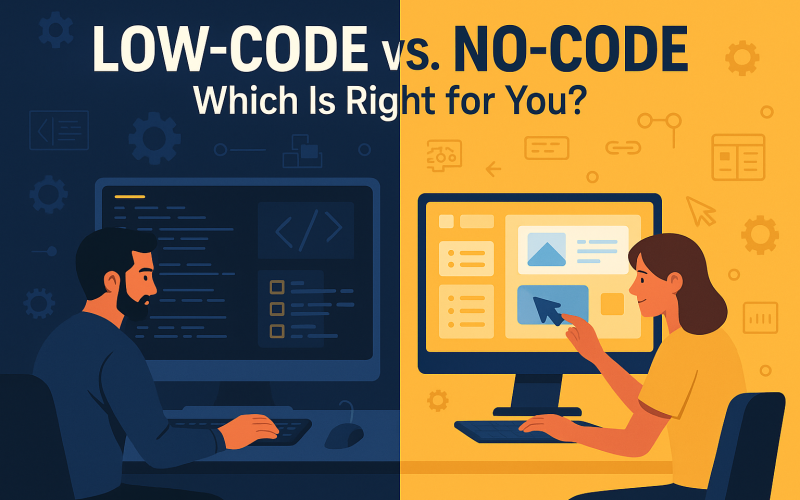
In the ever-evolving landscape of software development, two terms have taken center stage in recent years: Low-Code vs No-Code. These platforms are revolutionizing how businesses and individuals create digital solutions, democratizing app development like never before.
Gone are the days when building software required deep programming knowledge and long development cycles. With low-code and no-code tools, even those with minimal technical skills can develop websites, mobile apps, internal dashboards, and even automate business workflows.
But what exactly are low-code and no-code platforms? How are they different? And most importantly—which one is right for you or your business?
Let’s break it down.
What is Low-Code?
Low-code platforms provide a visual development environment where users can build applications using drag-and-drop tools, pre-built components, and minimal hand-coding. They are designed to speed up the development process by reducing the amount of manual programming required—but they still allow custom code for flexibility.Common Features:
- Visual UI builders
- Integration with APIs and databases
- Custom scripting options (JavaScript, Python, etc.)
- Role-based permissions
- DevOps and deployment tools
Best For:
- Developers and technical teams who want to accelerate the development process
- Building complex applications that require some customization
- Enterprises with IT support and scalability needs
Popular Low-Code Platforms:
- OutSystems
- Microsoft Power Apps
- Mendix
- Zoho Creator
- Salesforce Lightning Platform
What is No-Code?
No-code platforms are built for non-developers. These tools allow users to build applications and automate workflows entirely without writing code. Everything from design to functionality is managed through a user-friendly interface with pre-configured logic, templates, and integrations.Common Features:
- Drag-and-drop editors
- Built-in workflows
- Pre-integrated third-party services
- Visual databases and forms
- WYSIWYG (what-you-see-is-what-you-get) design
Best For:
- Entrepreneurs, marketers, and business users with no coding skills
- Creating MVPs, websites, internal tools, or landing pages
- Fast prototyping and automation without developer involvement
Popular No-Code Platforms:
- Webflow
- Bubble
- Glide
- Zapier
- Airtable
- Softr
Key Differences: Low-Code vs. No-Code
| Feature | Low-Code | No-Code |
| Target Users | Developers or tech-savvy users | Non-technical users |
| Coding Required | Minimal (for customization) | None |
| Customization | High flexibility | Limited to platform features |
| Speed to Deploy | Fast, but may need dev input | Very fast |
| Use Case Complexity | Suitable for complex apps | Best for simple to moderate projects |
| Learning Curve | Moderate | Very low |
Use Cases: When to Choose Which
Choose Low-Code If:
- You're a developer or have access to one.
- Your app needs custom business logic, integrations, or scalability.
- You’re working on an enterprise-grade application.
- You want to control back-end behavior, APIs, or third-party services.
Choose No-Code If:
- You need to build something quickly and visually—like a landing page or internal tracker.
- You’re validating a startup idea or MVP.
- Your team lacks developers but needs simple tools fast.
- You want to automate routine workflows (e.g., with Zapier or Airtable).
Real-World Examples
Low-Code in Action:
A logistics company uses Microsoft Power Apps to create a custom inventory dashboard, integrating with their ERP system and using custom scripts to match data flows. The result is a powerful, scalable tool managed by IT but accessible to staff.No-Code in Action:
A marketing agency uses Webflow and Zapier to build client websites and automate lead capturing. With zero developers, they manage web design, form submissions, and notifications—all using no-code tools.Can You Combine Both?
Absolutely! In fact, many modern tech stacks use a hybrid approach, combining low-code and no-code platforms for maximum flexibility. For example, a business might use a no-code tool like Airtable to manage content and connect it to a custom front-end built with a low-code solution like OutSystems. Zapier or Make.com could automate the data syncing in between. This "no-code for prototyping, low-code for scaling" model is gaining traction in startups and enterprises alike.Limitations to Watch For
While both platforms are powerful, they're not without trade-offs:No-Code Limitations:
- Vendor lock-in
- Less control over performance and scalability
- Limited custom logic
Low-Code Limitations:
- Still requires technical knowledge
- Higher learning curve for non-developers
- Can become complex with too much customization
The Future of Low-Code & No-Code
According to Gartner, by 2026, over 75% of new apps will be built using low-code/no-code tools. These platforms are no longer just for hobbyists—they are being used by Fortune 500 companies, government institutions, and digital agencies to streamline innovation. As AI is integrated into these platforms (think: AI-generated components, automated bug detection, voice-to-code), the boundaries between developer and non-developer are blurring even more.Final Verdict: Which Is Right for You?
The answer depends on your goal, technical skill level, and the complexity of your project:- Want full control and flexibility? Low-Code
- Want to build fast and simple without touching code? No-Code
- Need both? Start with No-Code, and scale with Low-Code



Comments
Leave a comment Replying to
Comments are reviewed before they appear. Your email is never published.